How to Build an Online Store That Sells: A Practical E-commerce Checklist
An online store is more than products and a cart. This checklist covers everything that turns visitors into paying customers — and the operations that keep them coming back.
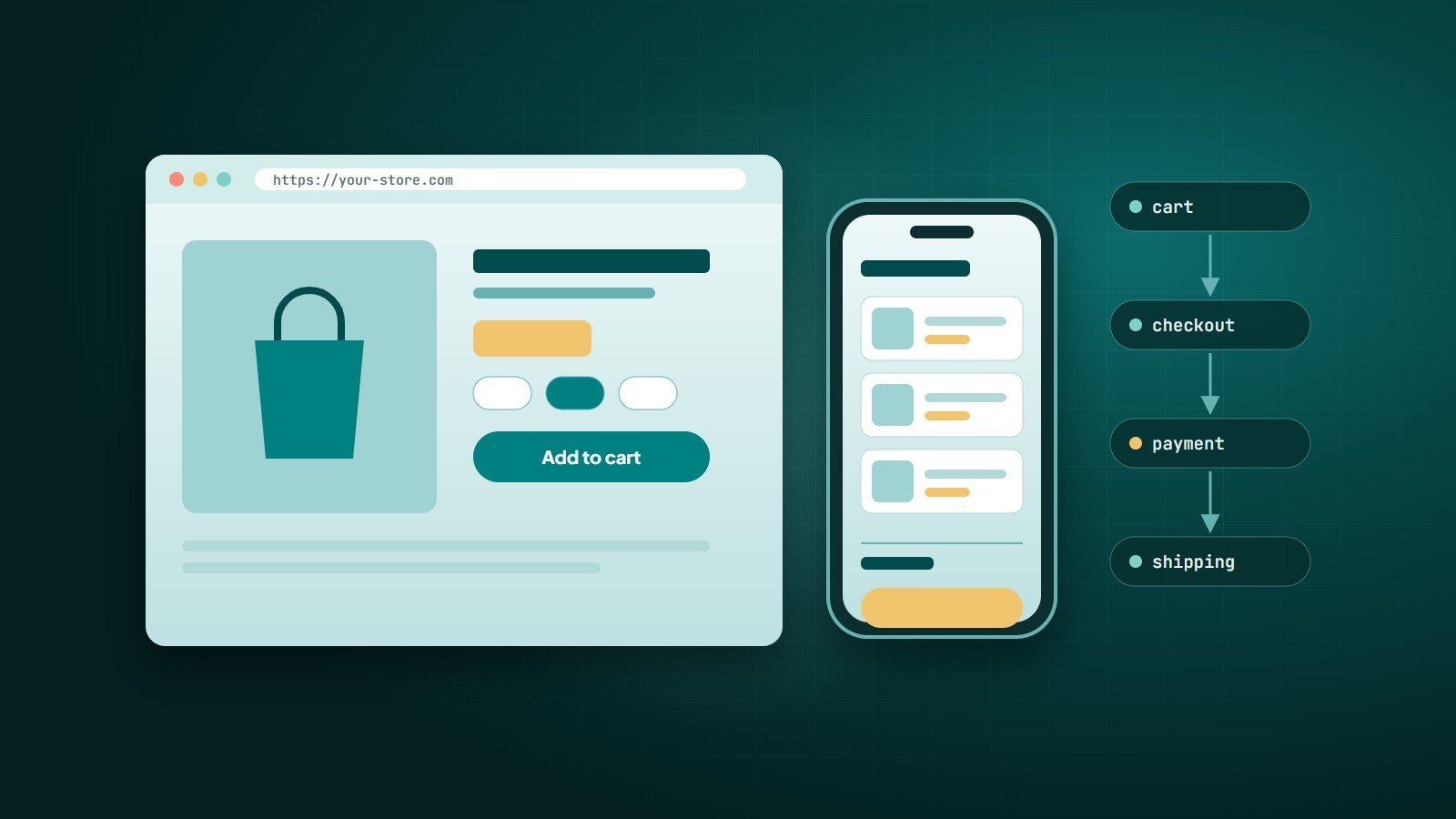
Launching an online store has never been easier — and selling online has never been more competitive. The difference between a store that sells and one that sits empty is rarely the logo. It is the details: clear product pages, a checkout without friction, trusted payments, honest delivery information and fast pages on mobile.
Use this checklist when planning a new store or reviewing an existing one.
1. Choose the right platform
| Option | Strengths | Watch out for |
|---|---|---|
| Hosted platform (e.g. Shopify) | Fast to launch, hosting and security handled, large app store | Monthly fees, transaction fees on some plans, limits on deep customisation |
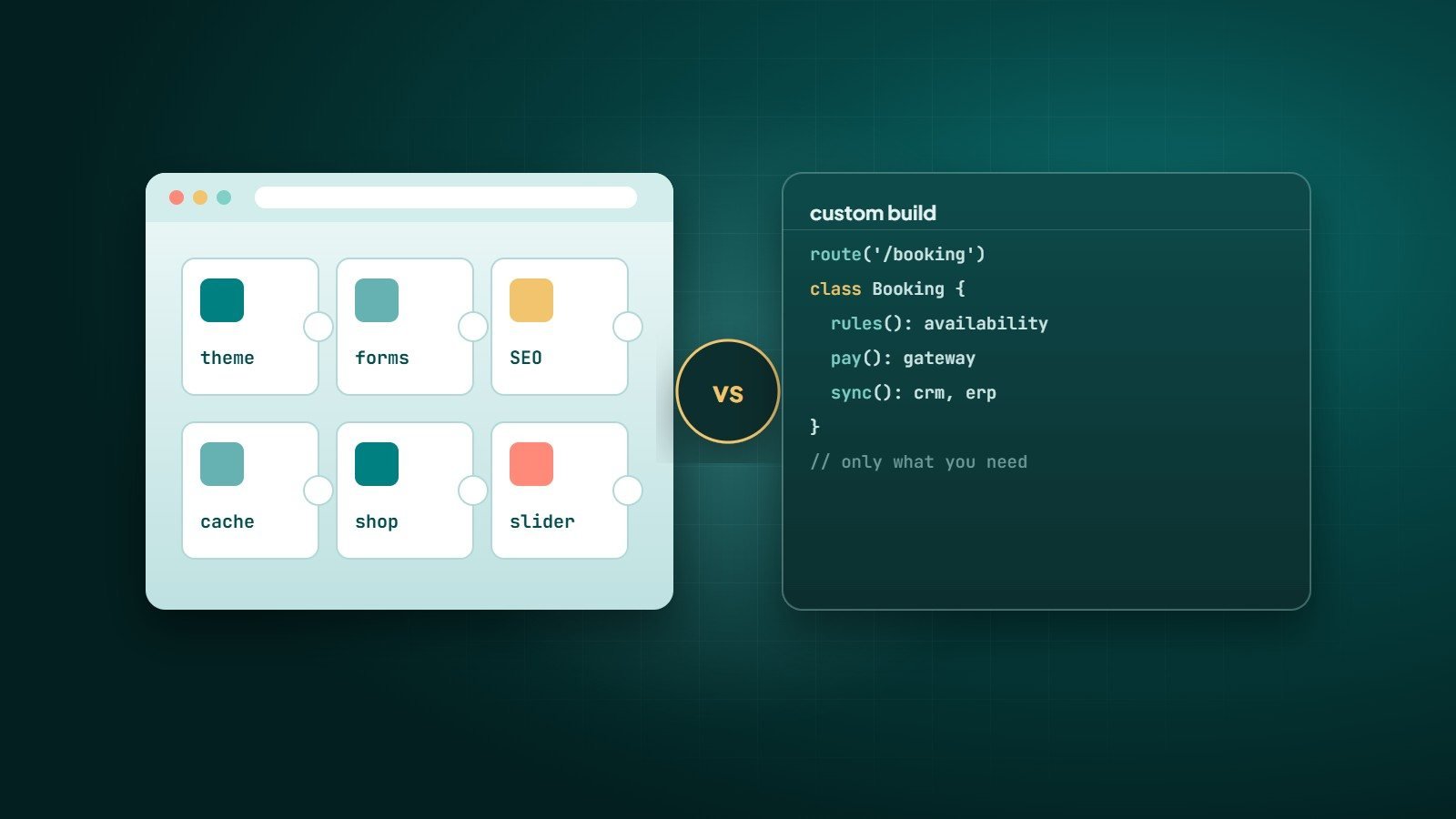
| WooCommerce (WordPress) | Flexible, open-source, strong content and SEO | You manage hosting, updates and security |
| Custom e-commerce | Built around your exact pricing, workflows and integrations | Higher initial investment; needs a reliable development partner |
Also check which payment gateways are available in your country before choosing — this often decides the platform for you.
2. Product pages that answer every question
- Several high-quality photos, including scale and detail shots; video where it helps.
- A clear title, price, availability and variants (size, colour) without confusion.
- A description written for the buyer: benefits first, then specifications.
- Delivery time and cost visible on the product page, not only at checkout.
- Return policy in one sentence with a link to the details.
- Genuine customer reviews once you have them.
3. A checkout without friction
The checkout is where most sales are lost. Keep it short and predictable:
- Allow guest checkout; offer account creation after the order.
- Ask only for the information you need.
- Show the total — including shipping and taxes — as early as possible. Unexpected costs are one of the most common reasons buyers abandon a cart.
- Offer the payment methods your customers actually use: cards, digital wallets, local options and, in some markets, cash on delivery.
- Make it work perfectly on a phone, with large tap targets and correct keyboard types for phone numbers and emails.
4. Trust and security
- HTTPS across the whole site.
- Card payments handled by a PCI DSS–compliant payment provider, so your store never stores card numbers.
- Clear contact details — phone, WhatsApp, email — and a real "About" page.
- Published policies: shipping, returns, privacy and terms.
5. Shipping and operations
Behind every order is a process. Decide before launch:
- Which shipping companies you use and how rates are calculated.
- How stock is updated — especially if you also sell in a physical shop or on marketplaces.
- Who confirms orders, packs them and handles returns.
- Which notifications customers receive: order confirmation, shipping with tracking, delivery.
6. Speed and mobile experience
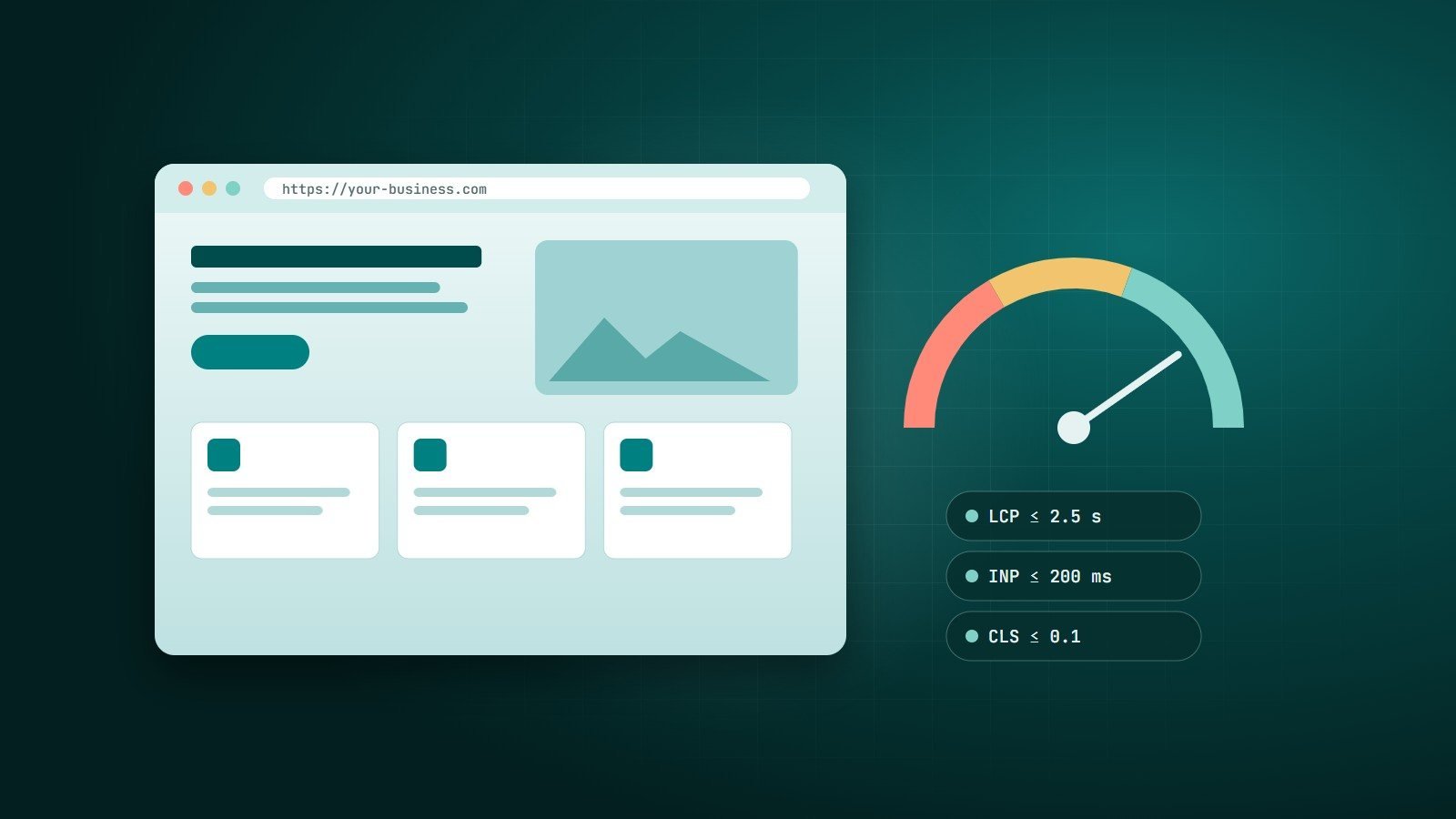
Many shoppers browse and buy on their phones. Optimise images, limit heavy apps and scripts, and test the full journey — from home page to order confirmation — on a real mid-range phone. Our guide to website speed and Core Web Vitals covers the technical side.
7. SEO for products and categories
- Unique titles and descriptions for every category and product — do not copy manufacturer text.
- Clean URLs and a logical category structure.
- Product structured data (price, availability, reviews) so search engines can show rich results.
- Helpful content — buying guides, comparisons, FAQs — that answers what customers search for before they buy.
8. Measure and improve
Set up analytics with e-commerce tracking from day one. Watch the funnel: product views → add to cart → checkout started → purchase. The step with the biggest drop is where to work first.
9. Bring customers back
- Abandoned-cart reminders (with the customer's consent).
- Email or WhatsApp updates for new products and offers.
- Excellent after-sales service — it creates reviews and repeat orders.
Key takeaways
- Choose your platform based on payments, flexibility and who will run the store.
- Product pages and checkout decide most sales; remove every surprise and every unnecessary step.
- Plan operations — stock, shipping, returns — before launch.
- Measure the funnel and fix the biggest drop first.
How Wintecsys can help
We build online stores on the right platform for each business — from Shopify and WooCommerce setups to fully custom e-commerce with your own pricing rules, payment gateways and integrations with inventory and shipping.