Prompt Engineering Basics: How to Get Reliable Results from AI Models
The same AI model can give a vague answer or an excellent one depending on how you ask. These practical prompting techniques work across today's major language models.
Large language models such as ChatGPT, Claude and Gemini respond to the instructions they are given — called the prompt. Small changes in a prompt can turn a generic, unreliable answer into a precise, usable one. Prompt engineering is the practice of writing and testing those instructions deliberately.
These techniques work whether you are using a chat assistant or building AI into an application.
1. Be clear and specific
Models cannot read your mind. Compare:
Weak:   Write about our product.

Better: Write a 120-word product description for our accounting app
        for small shops in Egypt. Audience: shop owners with no
        accounting background. Tone: friendly and practical.
        Mention offline mode and Arabic invoices.
State the task, the audience, the length, the tone and anything that must or must not be included.
2. Give context
Explain why you need the output and what it will be used for. "Summarise this contract" is less useful than "Summarise this contract for a manager who must decide whether to renew; list obligations, renewal dates and termination conditions." Context lets the model decide what matters.
3. Show examples (few-shot prompting)
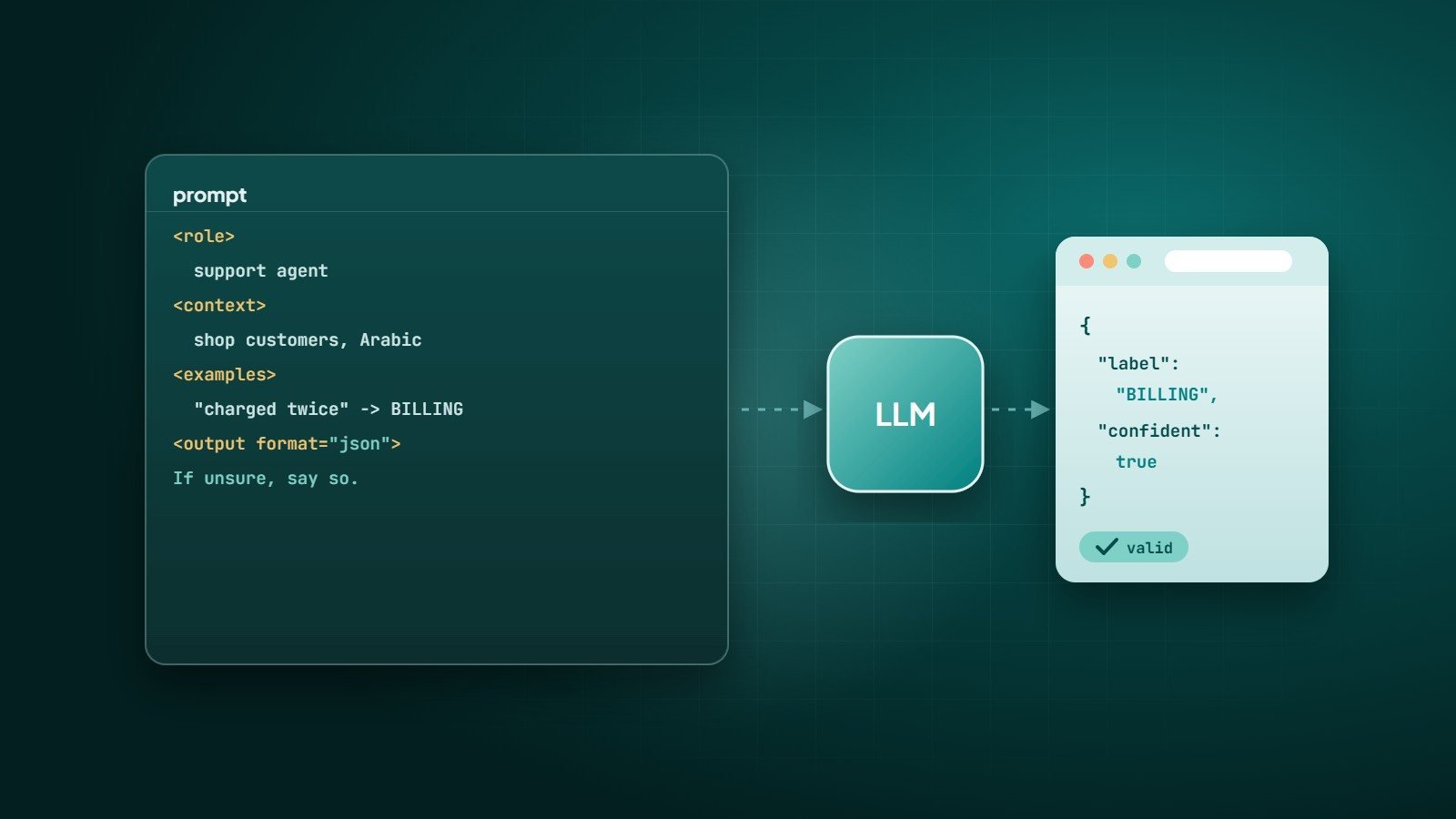
Including one or more examples of the input and the desired output is one of the most reliable ways to get consistent results — especially for formatting, classification and tone.
Classify each customer message as BILLING, DELIVERY or OTHER.

Message: "I was charged twice this month."  -> BILLING
Message: "Where is my order? It's been 5 days." -> DELIVERY

Message: "Can I change the email on my account?" ->
4. Structure long prompts
Separate instructions from the material the model should work on. Clear headings or tags help the model tell them apart and make prompts easier to maintain:
<instructions>
Extract every deadline from the document below.
Return one line per deadline: date | obligation | responsible party.
If no deadlines exist, return "NONE".
</instructions>

<document>
...
</document>
5. Specify the output format
If software will read the answer, ask for an exact format — for example JSON with named fields — and validate it in code. Many model APIs also offer structured-output or JSON modes that enforce a schema. Never assume the output is valid without checking.
6. Let the model think step by step
For problems involving reasoning, calculation or multi-step analysis, asking the model to work through the problem before giving its final answer generally improves accuracy. Many current models also have built-in reasoning modes designed for this.
7. Give it permission to say "I don't know"
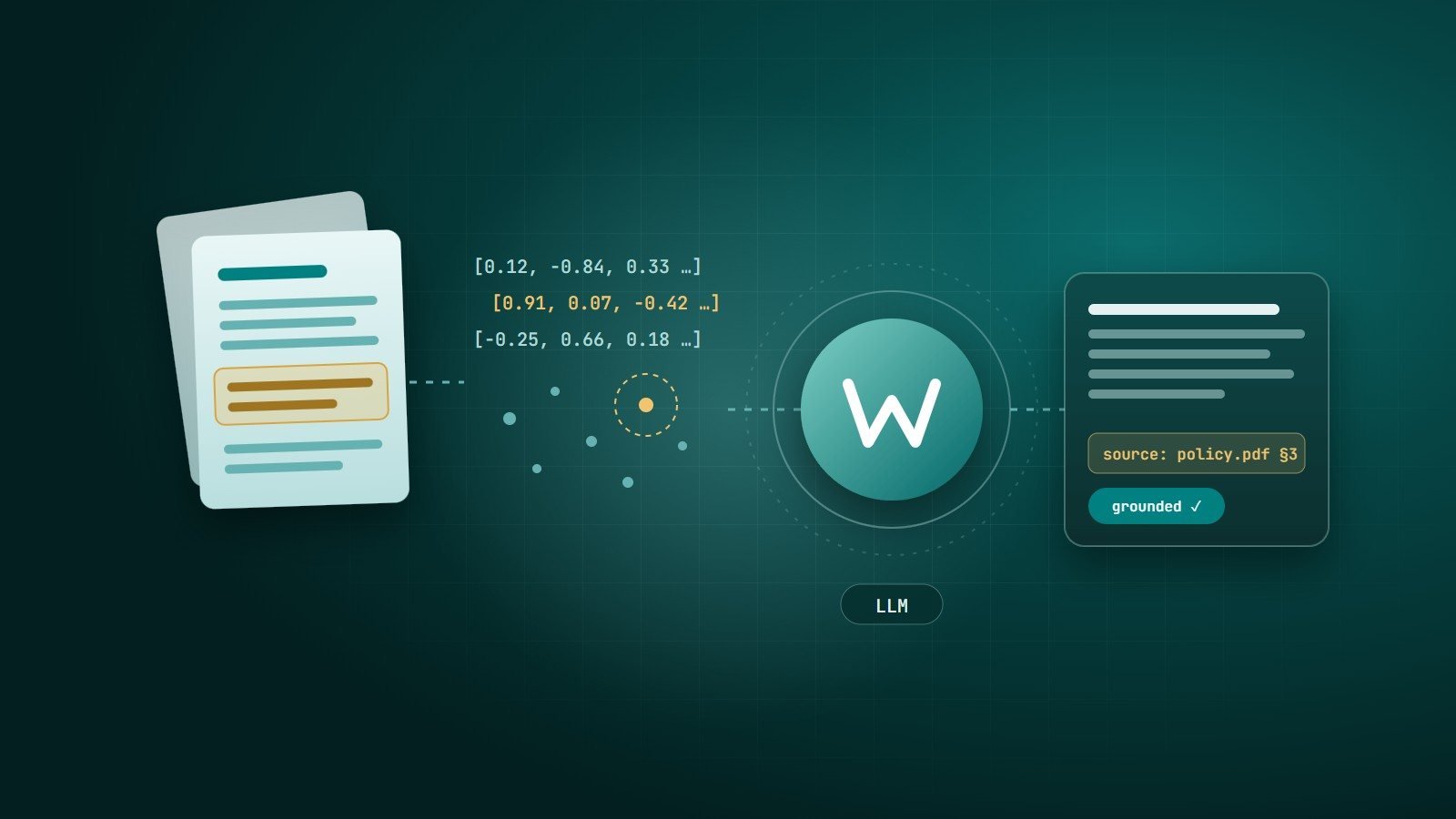
Models tend to answer even when they lack information. Tell them what to do instead: "If the answer is not in the provided document, say so." Combined with providing the source material in the prompt (see retrieval-augmented generation), this significantly reduces made-up answers.
8. Assign a role — carefully
A role such as "You are an experienced customer support agent for an online electronics store" sets tone and focus. It works best combined with concrete instructions; a role alone does not add knowledge the model does not have.
9. Break big tasks into steps
Instead of one giant prompt that researches, analyses, writes and formats, chain smaller prompts: extract → analyse → draft → review. Each step is easier to test and to fix.
10. Test prompts like code
In applications, prompts are part of your software. Treat them that way:
- Keep a test set of real inputs, including edge cases and tricky ones.
- Define what a good answer looks like, and check results after every prompt change.
- Version prompts alongside your code.
- Re-test when you switch or upgrade the model — behaviour can change.
Security note: prompt injection
If your application passes user content or web pages into a prompt, that content may contain instructions designed to override yours ("ignore previous instructions…"). Treat model output as untrusted, limit what tools and data the model can access, and enforce permissions in your own code — never only in the prompt.
Key takeaways
- Be specific about task, audience, format and constraints; give context and examples.
- Structure long prompts and ask for verifiable output formats.
- Allow "I don't know", provide source material, and break complex tasks into steps.
- In production, test and version prompts — and defend against prompt injection.
How Wintecsys can help
We build AI features that hold up in production — prompts, retrieval, structured outputs, evaluation sets and guardrails — integrated into your website, app or internal tools.